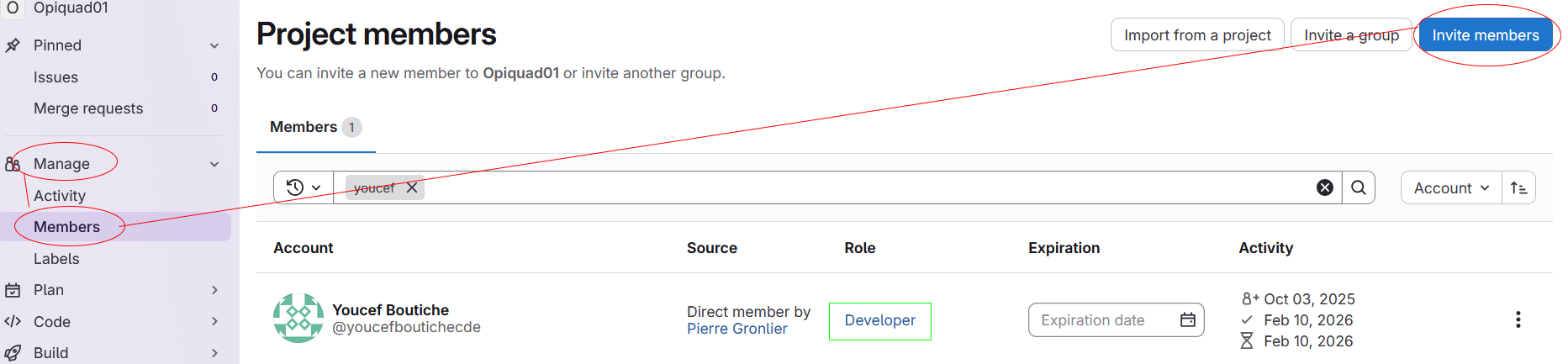
Onboarding¶ How to add/remove users to a project¶ Open the project to configure and go to Manage > Members. Click on Invite members and enter the user's email or its username. Select Developer as role and click Invite Finished 🚀 !